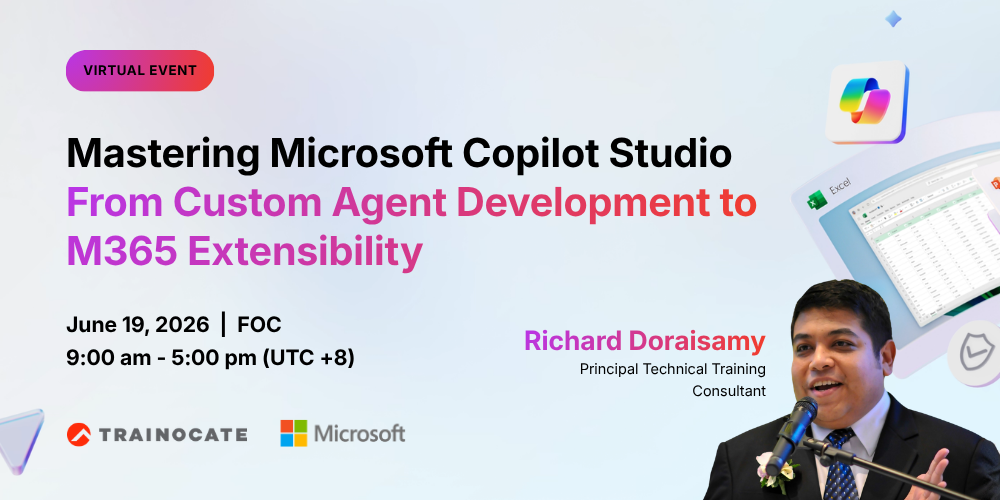
Mastering Microsoft Copilot Studio From Custom Agent Development to M365 Extensibility
Friday, June 19 2026 | 9:00 am – 5:00 pm (UTC +8) | Live Virtual (VILT)
Description of this virtual event:
This virtual event introduces participants to the capabilities of Microsoft Copilot Studio and how it enables organizations to build, customize, and extend AI-powered copilots.
Participants will explore how to design intelligent agents using natural language, connect them to business data, and deploy them across Microsoft 365 environments to enhance productivity and automate workflows.
Objective of this event:
- Provide a foundational understanding of AI copilots and agent-based solutions
- Enable participants to build and customize their own copilot
- Demonstrate how to extend copilots with business data, workflows, and Microsoft 365 apps
- Showcase real-world use cases of copilots for productivity and automation
- Equip attendees with practical skills to start developing AI agents immediately
Key Takeaways:
Target Audience:
- Business users and citizen developers
- IT professionals and solution architects
- Developers working with Microsoft Power Platform
- Digital transformation leaders and innovation teams
- Anyone interested in AI copilots and automation (no deep coding required)
Modality:
Live Virtual Instructor-Led Training (VILT)
- Guided demonstrations of Copilot Studio capabilities
- Step-by-step agent development walkthroughs
- Exploration of topics, entities, and generative AI features
- Integration with Power Automate and Microsoft 365
- Real-world business scenarios and use cases
Detailed Agenda Flow:
Key Selling Points:
Why This Will Work:
- AI copilots are becoming essential for automating workflows and improving productivity
- Organizations are rapidly adopting Microsoft Copilot across business functions
- Hands-on, structured learning ensures better understanding and retention
- Combines business use cases with practical technical implementation
- Helps participants quickly identify opportunities to apply copilots in their own roles
- Aligned with real-world tools already used in modern workplaces
Speaker:

Richard Doraisamy
Principal Technical Training Consultant
A seasoned learning and development leader with over 20 years of global experience in driving enterprise upskilling, technical enablement, and organizational transformation.
Recognized for blending technical depth with consultative delivery, he has led large-scale AI, cloud, and Copilot adoption programs for multinational clients, delivering measurable productivity gains and strong early adoption across industries.
With a proven track record in training strategy, content development, and enterprise learning delivery, he is passionate about empowering professionals and organizations to unlock the full value of Microsoft technologies.
Host:

Andy Ho
Business Development Manager, Trainocate Malaysia
A seasoned and results-oriented sales professional with over 20 years of progressive experience in driving business growth and building long-term client relationships.
Known for a strategic and consultative approach to business development, with a strong track record in managing key corporate accounts, forging high-value partnerships, and delivering impactful training solutions across various industries.
Passionate about enabling organizational transformation through learning and development.